In-depth guide
How to Screenshot on Mac and MacBook: Shortcuts & Saving
Take a full-screen, window, or region screenshot on Mac or MacBook. Choose a file or Clipboard, find missing captures, and prepare a readable attachment.
Read articleIndependent software guidance for creators and small teams.
 ToolMerit
PILLAR GUIDES & DEEP EXPLANATIONS
Start with the broad guides that define a subject, connect the supporting questions, and provide a durable route through the work.
ARTICLES IN THIS COLLECTION
Take a full-screen, window, or region screenshot on Mac or MacBook. Choose a file or Clipboard, find missing captures, and prepare a readable attachment.
Read articleCapture a Windows PC screen with Snipping Tool or Print Screen. Check auto-save, find the file, handle laptop keys, and review the image before sharing.
Read articleUnderstand what a PDF contains, identify the format, and choose a reader, editor, or converter for text, scans, forms, and signatures.
Read articleUse the right screenshot command on a computer, phone, or tablet, choose the useful capture boundary, find the image, and prepare it to share.
Read articleShare one event for a single meeting, a calendar for ongoing access, or a separate public calendar for published schedules—and always start with least privilege.
Read articleCanva combines templates, a drag-and-drop editor, shared brand assets, collaboration, publishing, and AI. This guide shows when that connected workflow is a good fit—and when it is not.
Read articleMerging pages is easy; proving the resulting PDF is complete, correctly ordered, searchable, accessible, and safe to share takes a deliberate workflow.
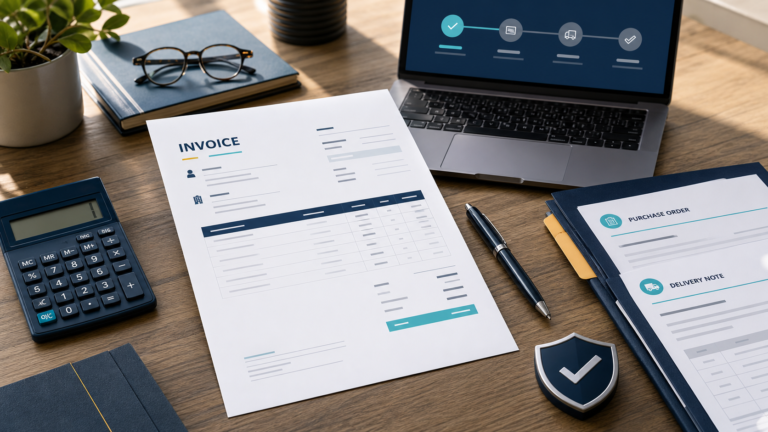
Read articleA practical invoice workflow covering document choice, required fields, numbering, line-item math, tax checks, payment instructions, secure delivery, corrections, and records.
Read articleA practical Excel chart workflow covering clean source data, chart selection, insertion, series repair, dynamic updates, accessibility and final quality checks.
Read articleA practical source-verification guide for separating discovery, peer review, publication status and evidence quality in Google Scholar results.
Read articleA practical guide to AI deep search: what the term means, how multi-step research agents work, when they add value, and how to audit their citations and claims.
Read articleA research workflow that keeps the question, evidence, claims, citations, and final revision connected from the first search to submission.
Read articleA practical plan for proving a podcast format, recording reliably, controlling the RSS feed, clearing rights, and launching without losing momentum.
Read articleContent strategy is the set of choices that connects audience needs, useful content, delivery systems, ownership, and measurable outcomes.
Read articleA mobile-friendly site preserves the same content and tasks while its layout, controls, media, forms, and performance adapt to a narrow viewport.
Read articleEffective proofreading isolates error classes in a stable near-final draft, changes the reading mode, and finishes by reopening the actual delivery file.
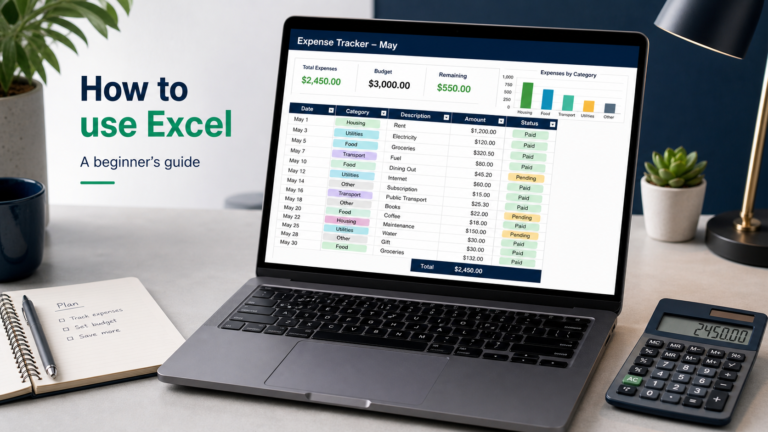
Read articleLearn Excel through one complete beginner project: turn a small expense list into a formatted table with a working total, filters, and a chart.
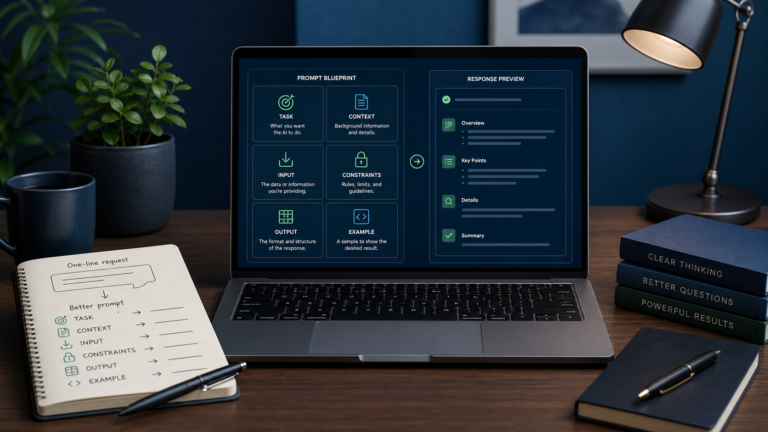
Read articleA prompt is a cue that requests a response. In generative AI, it works best as a compact work specification with a task, context, input, constraints, output format, and examples chosen for the job.
Read articleBROWSE BY TOPIC