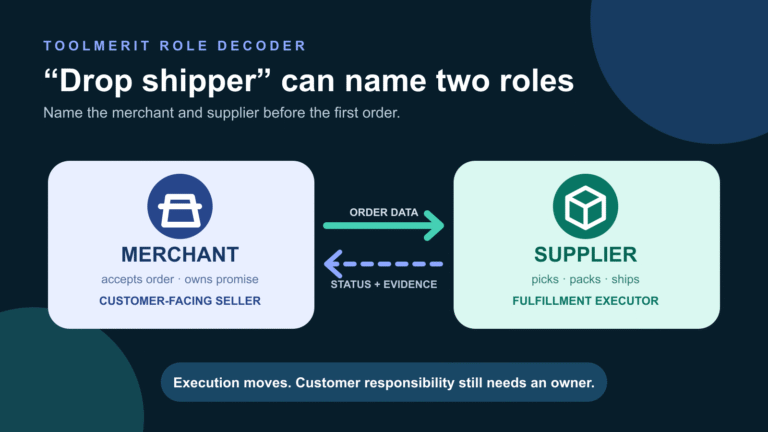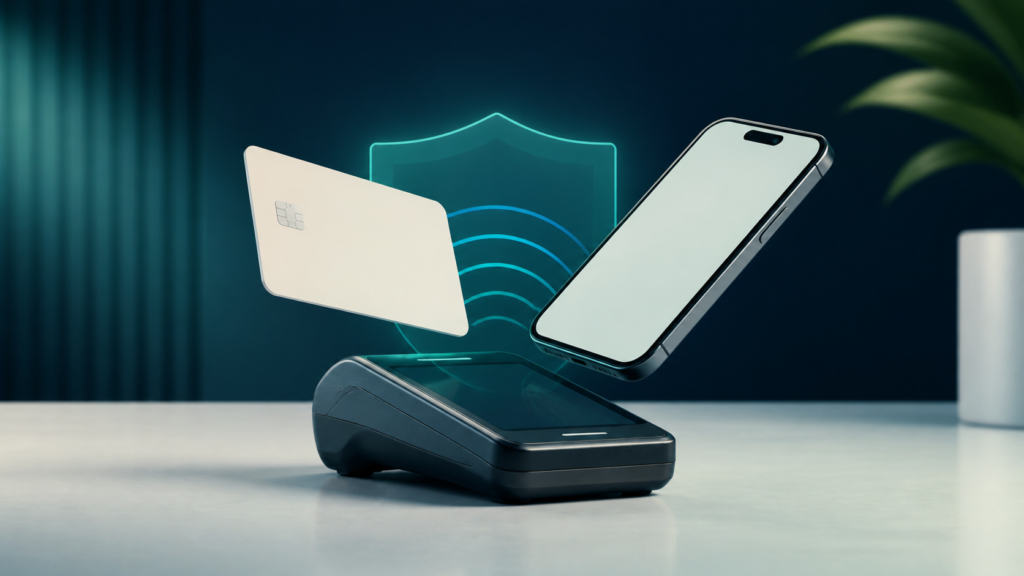
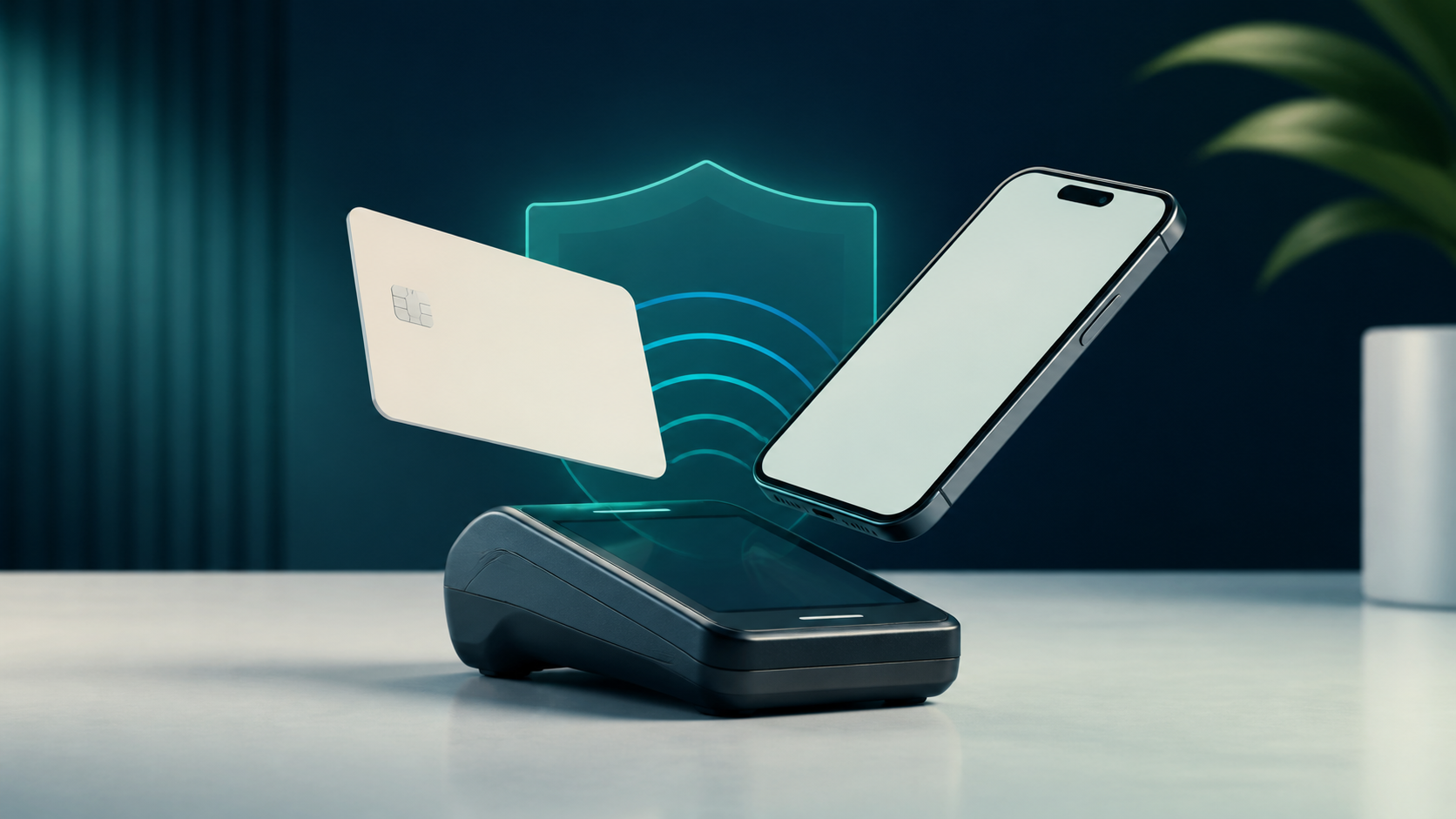
A contactless payment uses short-range communication at checkout, but the tap is only the first step in a larger authorization process.
A contactless payment is an in-person payment started by holding a compatible card, phone, or wearable close to a contactless reader. The card or device and terminal exchange transaction data over a short-range interface—usually Near Field Communication (NFC)—and the payment then travels through the normal authorization system.
That distinction matters. “Contactless” describes how the payment credential meets the terminal; it does not mean the transaction skips the merchant, payment processor, card network, or card issuer. It also does not mean every touch-free payment works the same way.
Recognize a contactless payment at checkout
Look for the contactless symbol—four curved lines that resemble a sideways wireless signal—on both the reader and, for a physical card, the card itself. On a phone or wearable, the wallet provider and card issuer must also support in-store contactless payments.
The usual action is to hold one card or device close to the marked reader area until the terminal confirms the read. “Tap” is convenient language; a hard physical tap is unnecessary. Position and timing matter more than force.
EMVCo’s contactless specifications provide a common framework for compatible cards, NFC-enabled mobile devices, and terminals. The terminal still applies merchant settings and may ask for a PIN, signature, device authentication, chip insertion, or another payment method. Those prompts vary by country, issuer, merchant, transaction value, and risk decision, so there is no universal “no PIN below this amount” rule.
Follow one tap through the payment system
A contactless purchase feels instantaneous because several small steps are compressed into one checkout moment:
- Present: the card or device enters the reader’s short-range field.
- Exchange: the terminal and payment application exchange the data required for an EMV transaction.
- Protect: the chip or device produces transaction-specific cryptographic data. EMVCo describes a one-time-use security code for each transaction.
- Route: the merchant sends an authorization request through its acquirer or processor and the appropriate payment network.
- Decide: the issuer evaluates the request and returns an approval or decline, which the terminal displays.
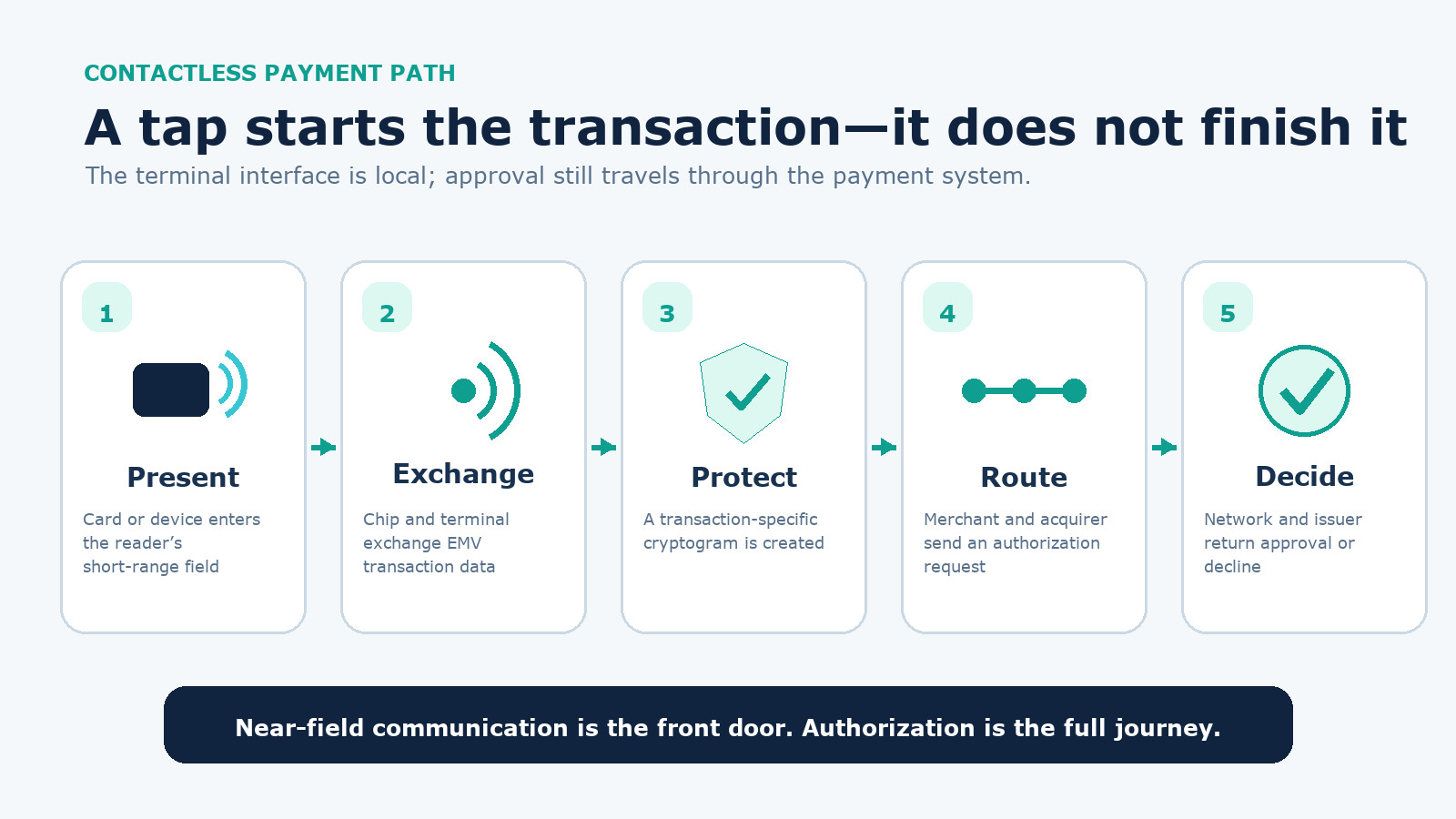
This explains two common surprises. First, a terminal can read a card correctly and still show a decline because the issuer rejected the authorization. Second, a terminal can be offline or misconfigured even though the card and account are valid. A failed tap is not, by itself, proof that the card’s antenna is broken.
Separate contactless cards, mobile wallets, and QR payments
A physical contactless card and an NFC mobile wallet can use the same reader, but they are not identical credentials. A QR-code checkout can also feel contact-free while using a different communication channel entirely.
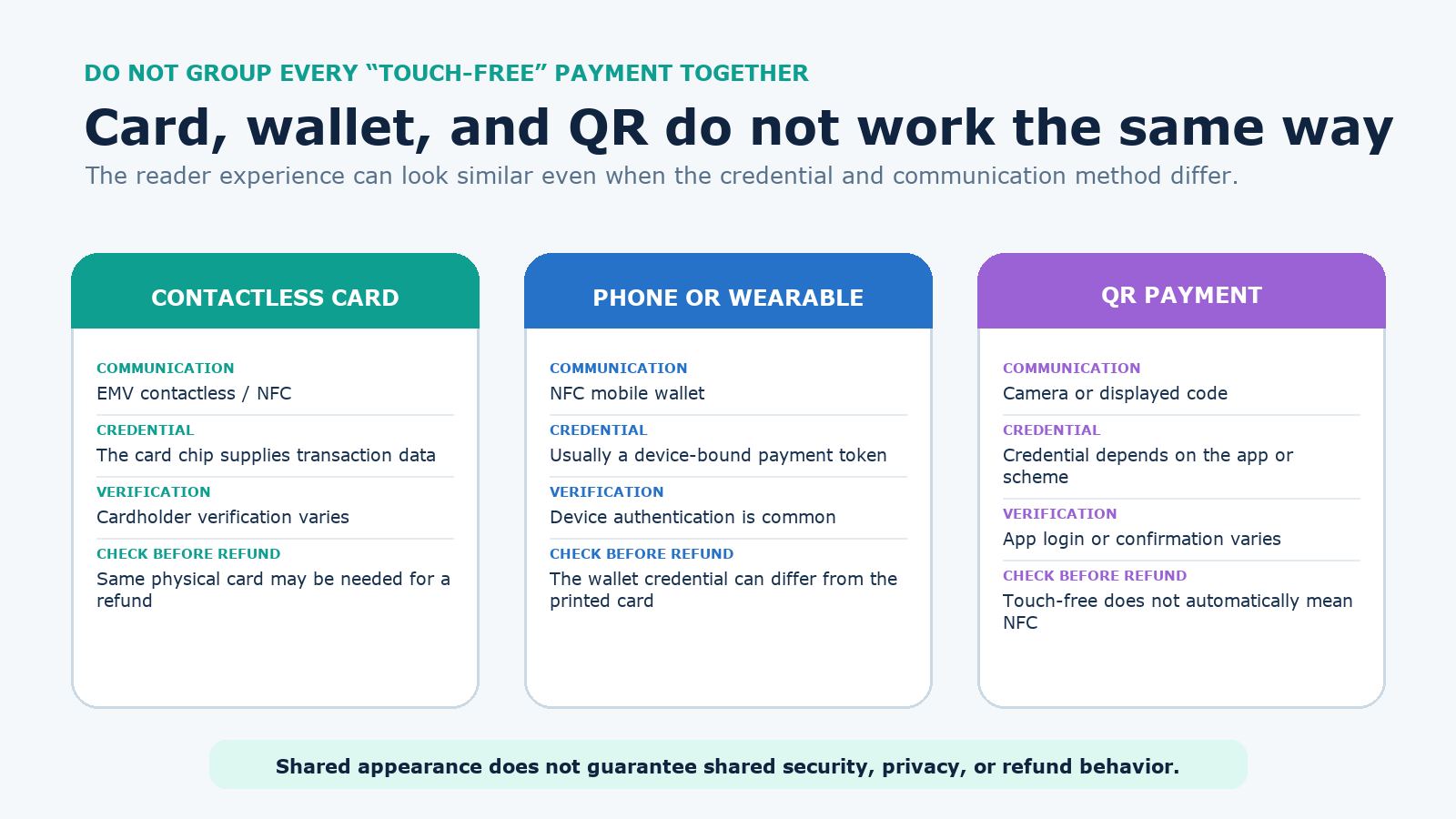
| Method | How it reaches checkout | Credential and verification | Important boundary |
|---|---|---|---|
| Physical contactless card | EMV contactless over NFC | The card chip participates; PIN or another cardholder check may be requested | Do not assume the printed account number is replaced by a wallet token |
| Phone or wearable wallet | NFC between device and terminal | Usually a device-bound payment token plus device authentication | Express modes and authentication rules can vary |
| QR payment | A camera scans a code or the customer presents one | The app, account, and payment scheme define the credential | Touch-free does not automatically mean NFC or EMV contactless |
| Online card payment | Website or app | A card, token, or wallet credential is submitted remotely | It is card-not-present, even if the same wallet brand is used |
Tokenization is especially important to the wallet distinction. EMV Payment Tokenisation replaces a primary account number with an alternative value that can be restricted to a device, merchant, or payment scenario. Apple Pay is one concrete implementation: Apple says an issuer or its provider creates a device-specific account number and the device supplies a dynamic, transaction-specific security code at checkout. That implementation should not be generalized to every card, wallet, or QR scheme.
Understand what contactless security does—and does not—protect
Dynamic transaction data is a meaningful security improvement over copying static magnetic-stripe data. Reusing captured contactless data for a second valid EMV transaction is not the intended model. A mobile wallet can add another layer by keeping the underlying card number away from the terminal and requiring device authentication.
Those controls reduce particular risks; they do not create an invisible or fraud-proof payment.
| Security claim | What is reasonably supported | What it does not prove |
|---|---|---|
| “The data changes each time” | EMV contactless generates transaction-specific cryptographic data | The account can never be compromised elsewhere |
| “The wallet uses a token” | A constrained value can replace the primary account number | Every physical contactless card or QR app uses the same token model |
| “NFC works at short range” | The user must place the instrument close to the reader | Unauthorized reading or relay attacks are physically impossible |
| “The phone requires a biometric” | Many wallet transactions require a passcode or biometric check | Every transit, express, low-risk, or regional mode requires it |
The practical defense is layered: keep account alerts on, protect the device with a strong passcode, use the issuer’s lock controls when available, review transactions, and avoid approving prompts you did not initiate. Privacy also depends on the method. Tokenization can limit exposure of the primary account number, but the merchant, processor, network, issuer, and wallet provider may still process transaction or device data under their respective terms. Contactless is not anonymous.
Fix a contactless payment that does not work
Use a short diagnostic sequence instead of repeatedly waving the same wallet at the reader:
- Wait until the terminal asks for a card, then hold one card or device still over the marked area for a moment.
- Remove extra contactless cards from the wallet. Two credentials in the reader field can cause a card clash.
- For a phone, confirm NFC is on, the intended wallet is the default payment app, the payment card is ready, and the device is unlocked or authenticated as required.
- Read the terminal message. “Insert,” “use chip,” “declined,” and “try again” point to different causes.
- Insert the physical chip or use another approved method. Then check the issuer app before retrying if a pending or duplicate-looking transaction appears.
Google Wallet’s current tap-to-pay requirements include NFC, a supported payment method, a screen lock, compatible device security, and correct default-wallet setup. A rooted device, unsupported card, expired credential, damaged card antenna, disabled wallet token, terminal outage, or issuer decline can each break a different part of the path.
Handle refunds, lost cards, and lost devices correctly
For a refund, present the same payment method when the merchant requests it. A wallet may show only the last digits of its device credential, which can differ from those printed on the physical card. Bring the phone or wearable used for the purchase, the receipt, and the card linked to the wallet when practical; the merchant’s processor and policy determine the exact workflow.
If a physical card is lost, use the issuer’s lock feature if available and contact the issuer promptly. If a phone or wearable is lost, use the platform’s lost-device controls and suspend or remove payment credentials. Apple, for example, documents using Find My Lost Mode to suspend supported cards in Apple Pay.
Review the account even after locking the instrument. The U.S. Consumer Financial Protection Bureau advises consumers to monitor accounts and report suspicious transactions quickly. Liability rules are not identical for credit cards, debit cards, prepaid cards, or every jurisdiction, and reporting deadlines can matter. Use the issuer agreement and local rules rather than assuming that “contactless” determines your protection.
Accept contactless payments as a merchant
A merchant needs more than an NFC antenna. The acceptance solution, contactless kernel, processor configuration, payment-brand support, receipts, refunds, staff procedures, and security responsibilities must work together. Test the entire customer path, including declines and reversals, before treating a contactless logo as proof of readiness.
Some approved TapToMobile solutions let a merchant accept contactless cards or devices directly on an NFC-enabled phone or tablet without a separate dongle. EMVCo describes that capability but also maintains testing and approval processes. Installing an arbitrary NFC app does not turn a phone into a compliant payment terminal.
Merchants that store, process, or transmit cardholder data should confirm applicable PCI DSS and validation obligations with their acquirer or payment provider. The PCI Security Standards Council recommends validated payment software and devices, routine inspection for tampering, and employee security training. Contactless convenience does not remove the merchant’s payment-data responsibilities.
Use the interface without confusing it with the whole payment
A contactless payment begins when a compatible credential meets a reader at short range. The exchange can be fast and can use strong cryptographic controls, but authorization, fees, consumer rights, privacy, refunds, and fraud handling still depend on the underlying card, wallet, merchant, provider, and jurisdiction.
The simplest accurate mental model is this: tap is the front door, not the entire house. Identify whether the credential is a physical card, device wallet, or QR scheme; follow the terminal prompt; and treat account monitoring and issuer reporting as separate safeguards.