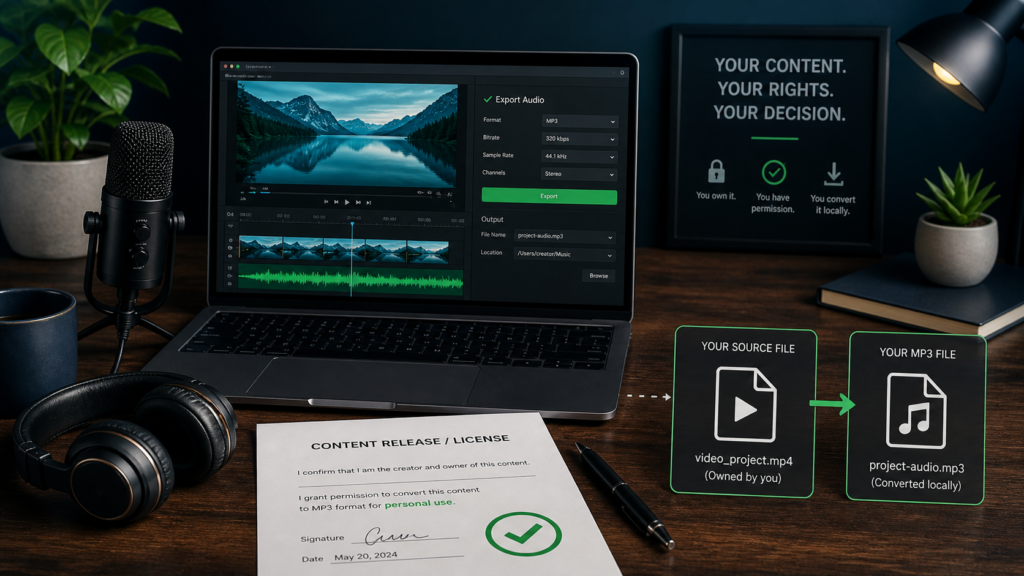
A legal MP3 workflow starts with rights and an authorized source file—not with a URL converter. Here is how to check both before converting locally.
You can safely convert a YouTube video to MP3 when you own the relevant audio rights or have permission that covers the copy and use, and you obtain the source through a method YouTube and the rights holder authorize. Download your own upload in YouTube Studio, then convert that local file with a trusted media tool. A public video URL alone is not permission.
This is general information, not legal advice. Copyright exceptions and contract rules vary by country and facts. When a valuable commercial use, disputed ownership, access control, or unclear license is involved, get advice for your jurisdiction before making the copy.
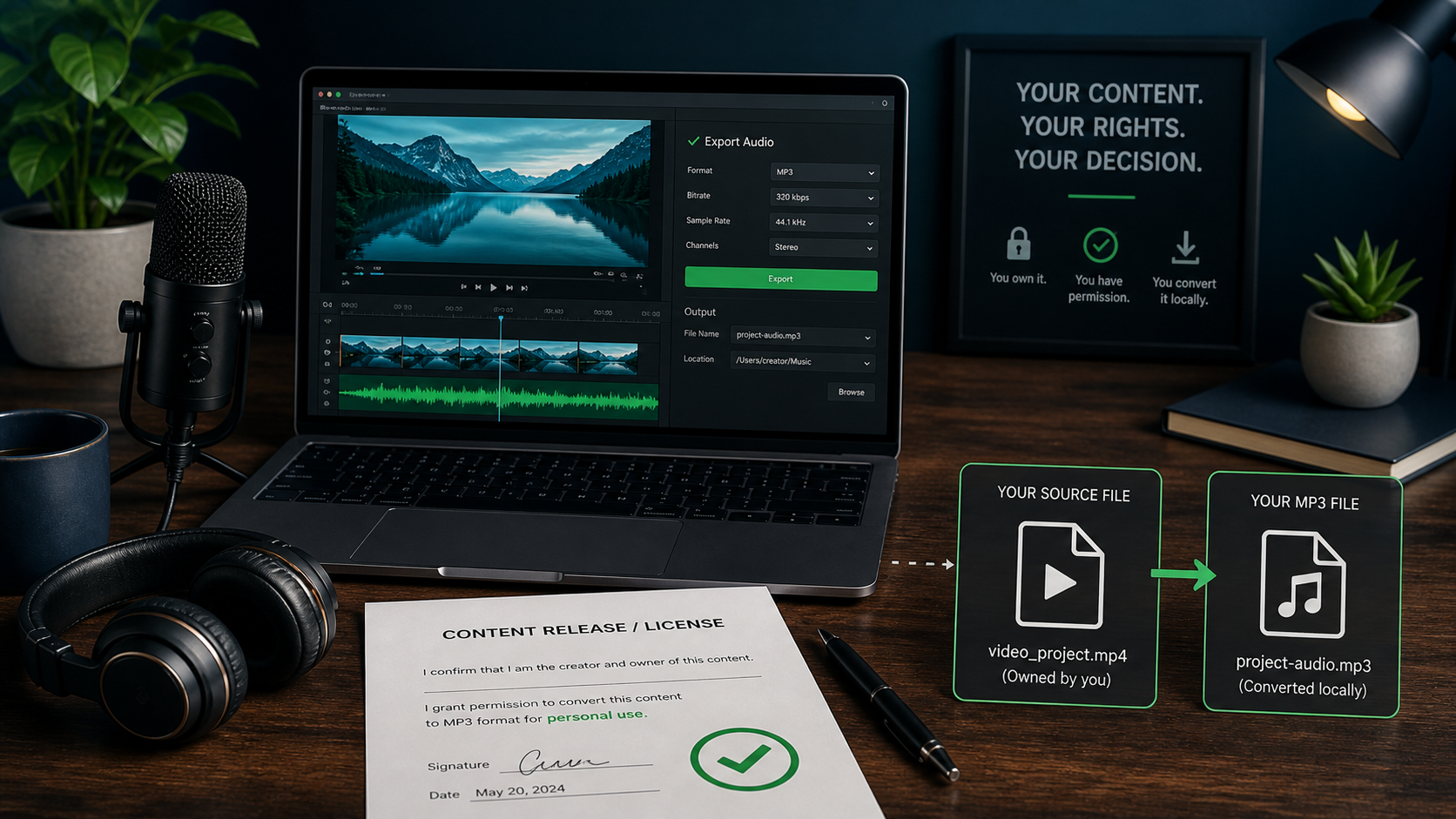
Clear two permission gates
“Is it legal?” is not one yes-or-no question. First, determine whether copyright law or a license lets you reproduce and use the audio. Second, determine whether your method of obtaining the source complies with the platform agreement.
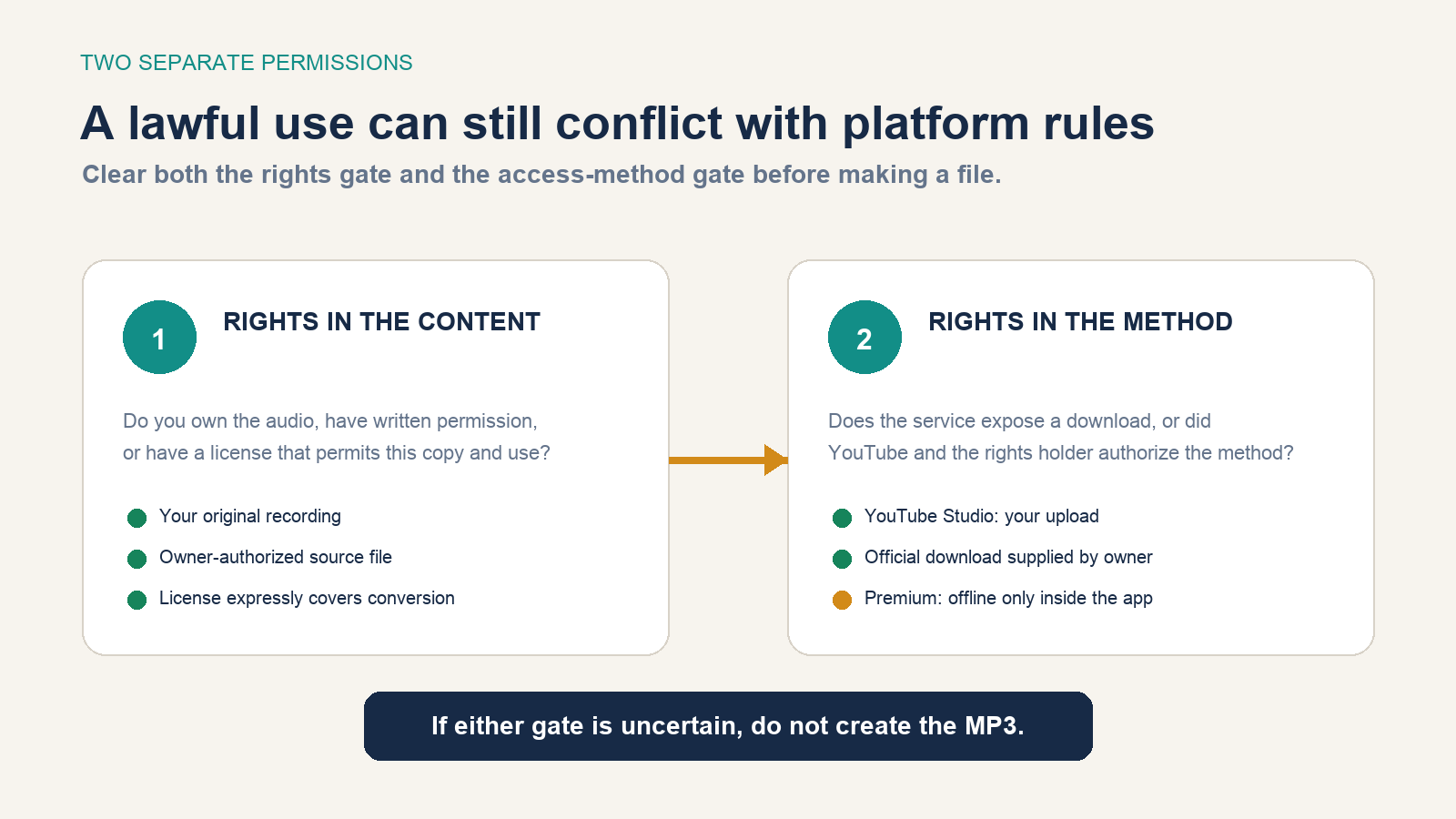
The current YouTube Terms of Service say users may not download, reproduce, alter, or otherwise use content except as expressly authorized by the service or with prior written permission from YouTube and, where applicable, the rights holders. The terms also restrict circumvention and automated access.
That creates an important distinction: a rights holder might allow you to use a recording, yet a third-party URL extractor can still be an unauthorized way to access YouTube’s service. Ask the owner for the original file or an owner-controlled download instead. You do not need to extract it from the watch page.
Classify the video before doing anything
| Situation | Practical outcome | Why |
|---|---|---|
| You uploaded the video and own every included element | Download your upload in Studio, then convert locally | You control the content and YouTube provides the download method |
| The owner sends you the source file with written permission | Convert within the permission’s scope | The source and use are authorized without scraping YouTube |
| A license page explicitly permits downloading, conversion, and your intended use | Keep the license evidence and use its supplied source | License terms, attribution, territory, and commercial limits still apply |
| YouTube or YouTube Music offers an offline button | Listen offline in the service | An app-managed download is not automatically an exportable MP3 |
| You believe criticism, teaching, research, or another exception applies | Assess the exact use and platform terms; get advice if consequential | Purpose labels do not create automatic permission |
| An ordinary third-party music video has no download or license | Do not convert it; use the official stream or licensed purchase | A public page and personal-use intent do not establish a copying right |
Do not rely on a video title or description that merely says “no copyright.” Identify the licensor, the exact work and recording, the license version, the allowed acts, attribution requirements, commercial-use terms, and whether the person offering the license actually controls the rights.
Do not treat fair use as a download button
In the United States, fair use is assessed through four factors: purpose and character, nature of the work, amount used, and market effect. The U.S. Copyright Office stresses that outcomes depend on the circumstances. Its fair-use FAQ also says there is no fixed number of words, notes, or percentage that is automatically safe.
A classroom, research, commentary, or nonprofit label does not settle the analysis. Converting an entire song for ordinary listening presents different facts from preserving a short excerpt for close criticism, and an arguable copyright exception does not necessarily override a platform contract or a rule against bypassing access controls.
If an exception is central to a public, commercial, or disputed project, document the exact excerpt and purpose and obtain legal advice. When permission is practical, the Copyright Office’s permission guidance describes licensing as the direct route.
Download your own uploaded video
For a video you uploaded and fully own, use the method YouTube provides:
- Sign in to YouTube Studio.
- Select Content in the left panel.
- Open the menu for the video.
- Select Download.
YouTube’s current creator download instructions say the result is an MP4, commonly 720p or 360p depending on the video, and point to Google Takeout for downloading all uploads. They also list restrictions: a removed video, certain strikes, a pre-approved audio track, or reaching the daily per-video download limit may prevent a Studio download.
Owning the upload account is not enough if the video contains music, performances, samples, or other audio you licensed only for streaming in the video. Check those underlying rights before extracting a reusable MP3.
Obtain someone else’s authorized source
If another creator approves your use, ask for a direct source file rather than permission to “rip it from YouTube.” A useful written authorization should identify:
- the creator or rights holder and the exact recording;
- permission to download or receive a copy and convert it to MP3;
- the intended personal, editorial, classroom, archival, or commercial use;
- territory, duration, attribution, editing, redistribution, and sublicensing limits;
- the approved source link or delivered file.
If the uploader controls only the video but not its music, their permission may be incomplete. Ask who owns the sound recording and the underlying composition when both matter to your use.
Convert an authorized local file to MP3
Once the MP4 or other source file is lawfully on your computer, ordinary local conversion no longer requires a YouTube URL extractor. VLC is a free, open-source cross-platform option. Menu labels vary slightly by operating system and VLC version, but the official VideoLAN conversion workflow follows this sequence:
- Open VLC and choose Media > Convert/Save, or the equivalent Convert/Stream command on your platform.
- Add the authorized local video file.
- Choose the conversion action, then select an audio profile that outputs MP3.
- Choose a destination filename ending in
.mp3. - Start the conversion and wait for it to finish.
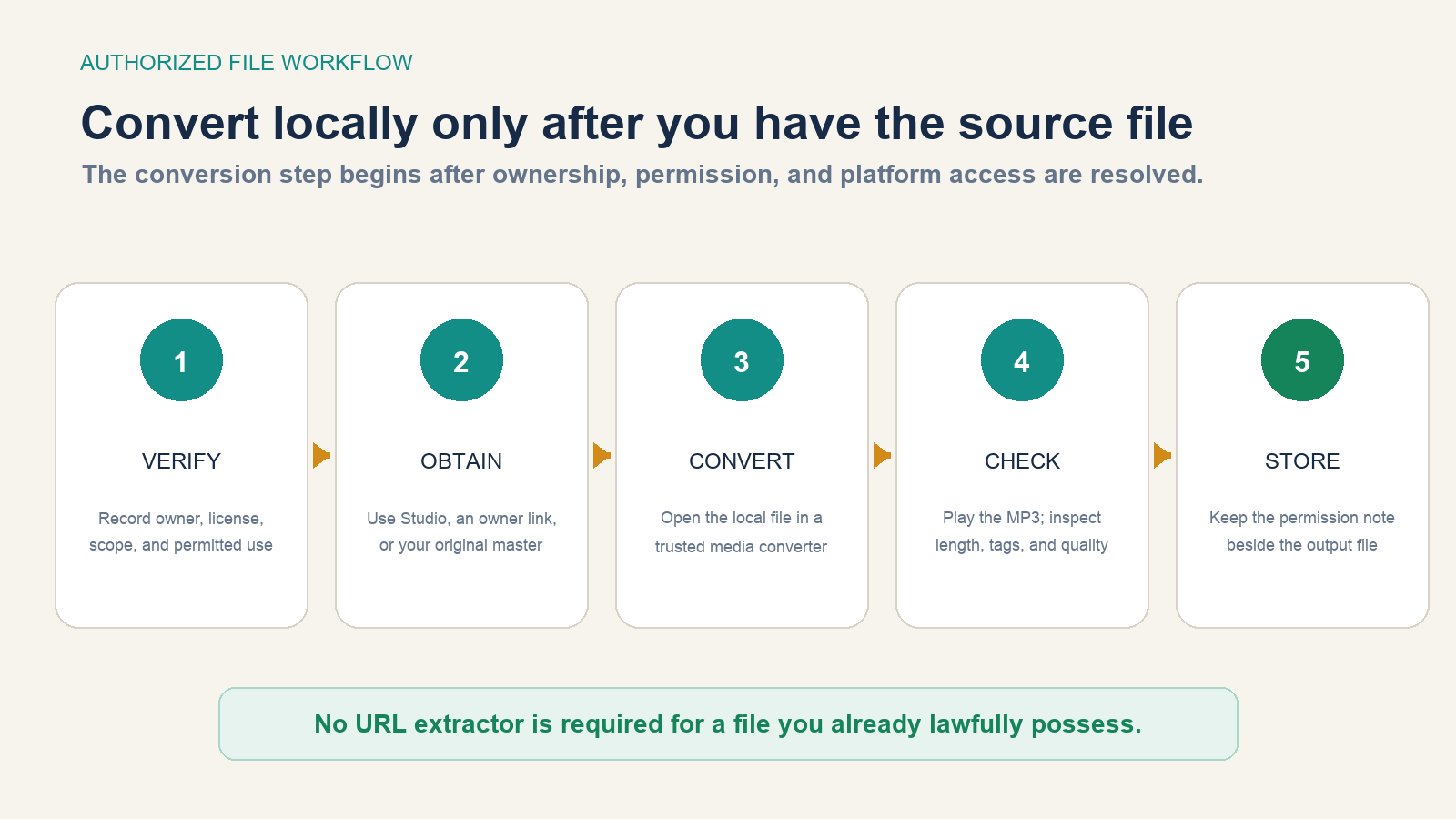
Conversion decodes one media stream and encodes another; it cannot restore quality missing from the source. Choose a bitrate appropriate to speech or music, but do not assume a larger number improves an already compressed upload. Play the beginning, middle, and end of the result. Confirm the duration, channel balance, volume, metadata, and that the file opens on the target device.
Avoid web converters that ask for your Google password, require a browser extension, trigger unrelated downloads, or obscure who operates the service. Even apart from permissions, they create avoidable credential, malware, tracking, and file-integrity risks.
Use official offline listening when you do not need an MP3
If the real goal is listening without a connection, use the feature designed for that purpose. YouTube Music Premium can download supported songs, videos, and podcasts to a mobile device for offline playback. The current YouTube Music help page says users must reconnect periodically to maintain downloads and that availability varies.
Those downloads remain managed inside the app. Do not treat them as general-purpose files to extract, edit, upload, or redistribute. For an ordinary file, buy a DRM-free download from an authorized store, obtain it from the creator, or use an audio library whose license covers the intended use.
Keep evidence with the file
Create a short text note beside the MP3 or in your asset-management system:
| Record | Example of what to capture |
|---|---|
| Owner | Name and contact of the rights holder or your own project record |
| Source | Studio download, delivered master, or authorized download URL |
| Permission | License title/version or dated written authorization |
| Scope | Personal, commercial, territory, duration, edits, and redistribution |
| Evidence | Saved email, contract, receipt, screenshot, or license copy |
| Output | Filename, conversion date, and settings used |
The stopping rule is simple. If you cannot show both why you may use the audio and why the acquisition method is authorized, do not create the MP3. Stream it through YouTube, use the official offline feature, purchase a licensed file, or ask the owner for one.